
Overview
DeSmuMe is a mobile adaptation of the renowned Nintendo DS and Game Boy Advance emulator, designed to bring classic handheld gaming experiences to Android devices. The app enables users to play a wide variety of DS titles directly on their smartphones and tablets, offering a portable alternative to traditional console emulation. By replicating the dual-screen functionality of the original hardware, DeSmuMe delivers an authentic gaming experience that closely mirrors the feel of the original Nintendo DS. The app is particularly valuable for fans of retro gaming who wish to revisit beloved titles such as New Super Mario Bros, Pokémon White/Black, Animal Crossing, and the early Professor Layton games.
Target users include retro gaming enthusiasts, nostalgic players, and mobile gamers seeking a deeper library of classic titles. While the developer did not provide additional background information, DeSmuMe has long been recognized in the emulation community for its stability and feature-rich design. The app serves as a digital archive for classic DS games, preserving playable versions of titles that may otherwise be inaccessible due to hardware limitations or regional availability.
DeSmuMe’s role in the mobile app ecosystem is significant, bridging the gap between legacy gaming platforms and modern mobile technology. It allows users to enjoy enhanced visual and control options on mobile devices, making classic games more accessible than ever. The emulator supports save states, screenshots, and video recording, which further improves usability for both casual and dedicated players.
Key Features & Functionality
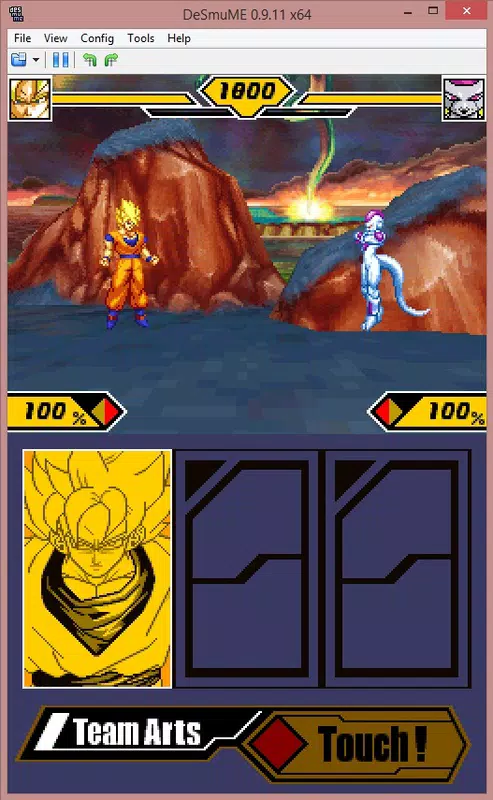
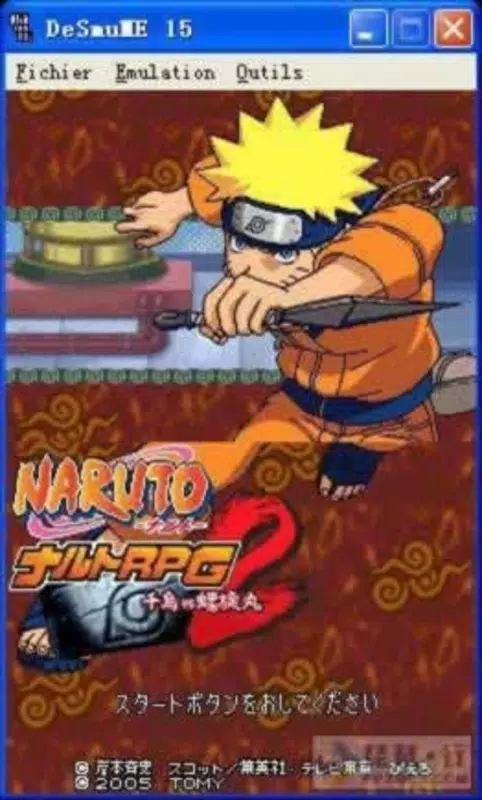
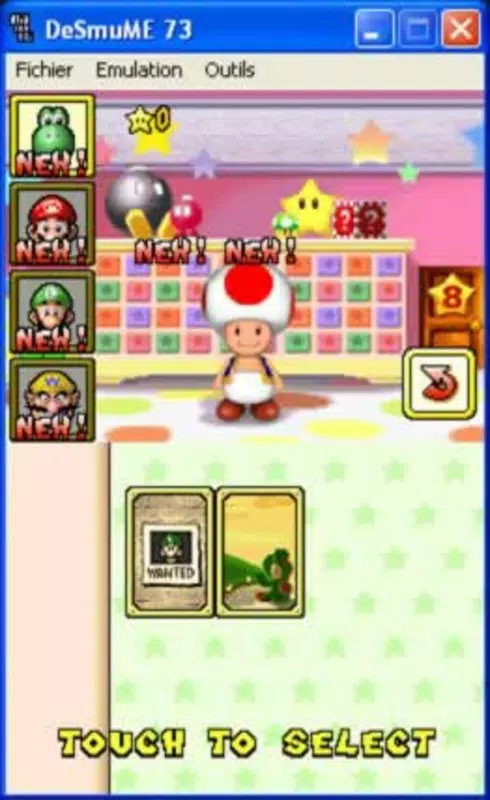
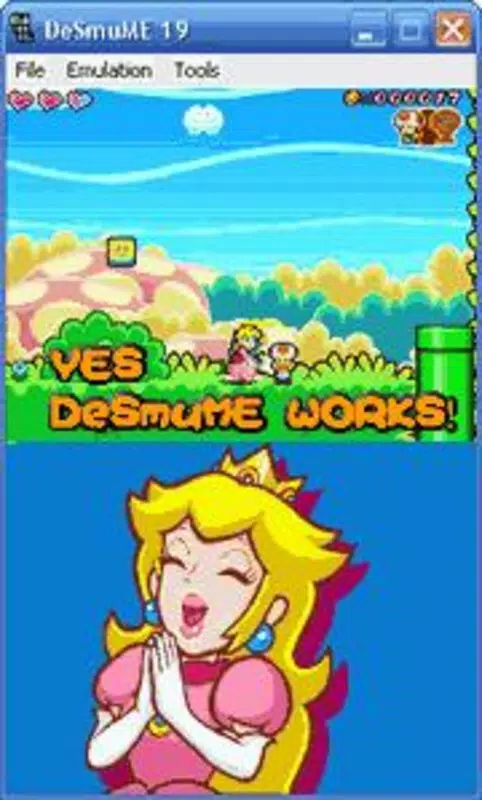
- Dual-Screen Display: DeSmuMe replicates both screens of the Nintendo DS, enabling full gameplay immersion. The upper screen displays the main game view, while the lower screen functions as a touchscreen, controllable via touch input or virtual buttons.
- Extensive Game Compatibility: The emulator supports a broad selection of DS and Game Boy Advance games, including major titles like New Super Mario Bros, Pokémon White/Black, Animal Crossing, and the first Professor Layton games.
- Post-Processing Filters: Users can apply visual enhancements such as scanlines, brightness adjustments, and resolution scaling to improve the clarity and aesthetics of emulated games on mobile screens.
- Save States & Media Capture: Players can save their game progress at any moment, take screenshots, and record gameplay videos—ideal for sharing memorable moments or documenting progress.
- Advanced Content Extraction Tools: DeSmuMe includes utilities for extracting game data, allowing advanced users to modify or archive content from emulated games.
These features make DeSmuMe ideal for users who want to relive nostalgic gameplay, explore classic titles, or engage in content creation. For example, a player can use the dual-screen emulation to experience the full mechanics of a Professor Layton puzzle game while using touch controls to interact with the lower screen. Similarly, a content creator might use the video recording function to produce walkthroughs or gameplay highlights.
Interface, UX & Performance
The interface of DeSmuMe is designed with functionality in mind, offering a clean layout that prioritizes game visibility. The main screen displays the dual-screen emulation, with customizable on-screen controls positioned for easy access. Navigation is straightforward, allowing users to load ROMs, adjust settings, and manage saves with minimal effort.
Visual style remains consistent with classic emulation tools—minimalist and focused on performance. The UI adapts to different screen sizes, ensuring usability across a range of Android devices. Touch responsiveness is generally reliable, though performance may vary depending on device capabilities. Although the developer did not list formal performance metrics, users can expect smooth gameplay on mid-to-high-end Android devices with sufficient processing power and RAM.
Stability appears to be a strength, with the emulator maintaining consistent frame rates during extended sessions. The app handles ROM loading efficiently and does not exhibit frequent crashes. However, compatibility with older or low-end devices may be limited due to the resource demands of emulation. Overall, DeSmuMe offers a dependable experience for users seeking a stable, feature-rich emulator on Android.
Platform Compatibility & Technical Requirements
DeSmuMe is available for Android devices and requires a compatible operating system to function. The current version is 0.9.12, with a file size of 12.4 MB, making it a lightweight download suitable for most mobile devices. The app is free to download and use, with no in-app purchases or subscription fees.
Specific requirements were not listed, so users should ensure their device meets general standards for running emulation software. This includes having sufficient RAM, a capable processor, and adequate storage space for ROM files. The developer did not specify minimum OS requirements, but the app is likely optimized for Android 6.0 and above, based on typical emulator compatibility.
Due to the nature of emulation, performance may vary across devices. Users are advised to test the app on their specific hardware to assess suitability. The app is not available on iOS, and no official versions for other platforms were mentioned.
Pros and Cons
Pros
- Free to download and use with no hidden costs
- Supports a wide range of classic Nintendo DS and Game Boy Advance games
- Authentic dual-screen emulation for immersive gameplay
- Customizable controls and on-screen interface
- Post-processing filters enhance visual quality on mobile screens
- Save states, screenshots, and video recording for enhanced usability
Cons
- Specific technical requirements were not disclosed
- Performance may vary on older or low-end Android devices
- ROM files must be obtained separately and are not included
- No official support for iOS or other platforms
- Advanced tools may require technical knowledge to use effectively
FAQ
Is DeSmuMe safe to download and use?
Yes, the app itself is secure and free from malware. However, users must ensure that ROM files are obtained legally and only for games they own.
Can I play Nintendo DS games on my Android phone using DeSmuMe?
Yes, DeSmuMe is designed specifically for Android and supports a wide range of Nintendo DS and Game Boy Advance games.
Do I need to pay to use DeSmuMe?
No, DeSmuMe is completely free to download and use with no in-app purchases or subscriptions.
What do I need to run DeSmuMe?
You need an Android device with sufficient RAM and processing power. The app is lightweight at 12.4 MB, but performance depends on your device’s capabilities.
Can I use DeSmuMe on iOS devices?
Currently, DeSmuMe is only available for Android. There is no official iOS version.
Final Thoughts
DeSmuMe stands out as a powerful and accessible emulator for Nintendo DS and Game Boy Advance games on Android. Its dual-screen emulation, extensive game compatibility, and visual enhancements make it a top choice for retro gaming enthusiasts. Whether you're revisiting childhood favorites or discovering classic titles for the first time, DeSmuMe delivers a polished and immersive experience.
The app is particularly valuable for users seeking a free, stable, and feature-rich solution for mobile emulation. While technical requirements are not fully disclosed, the lightweight size and proven track record suggest broad compatibility with modern Android devices. For those who value nostalgia, accessibility, and control over their gaming library, DeSmuMe offers unmatched value.
Download DeSmuMe now


